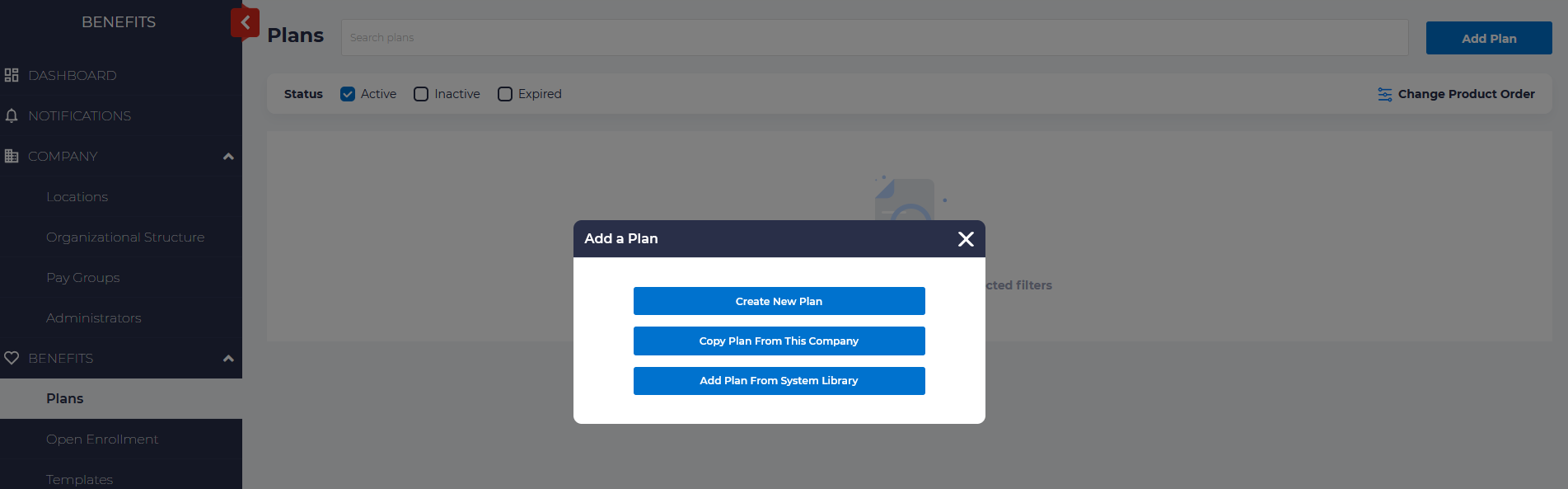
To set up an Employee Assistance plan (EAP) Telehealth Legal, or ID Theft plan, navigate to Benefits. Select “Add Plan” and then “Create New Plan”
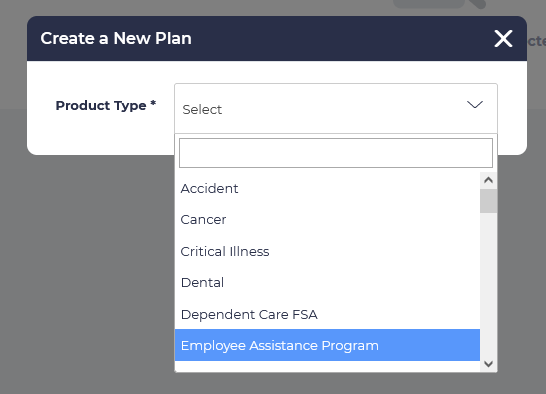
Choose the product type. If you are creating an EAP plan, choose “Employee Assistance Plan.” If you are creating a Telehealth plan, choose “Telehealth.”
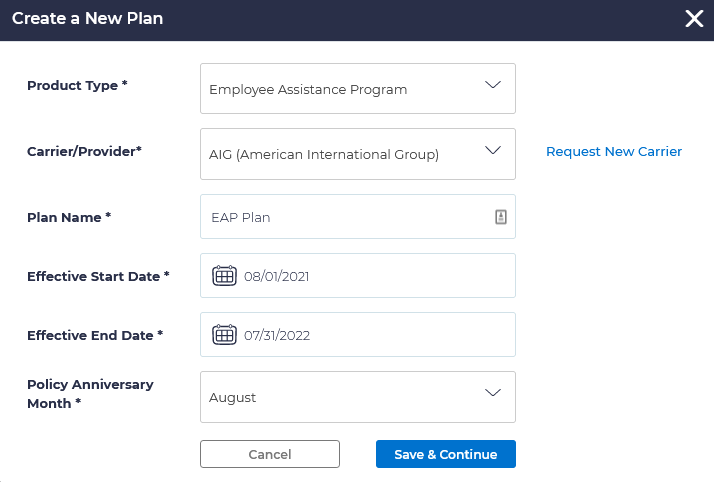
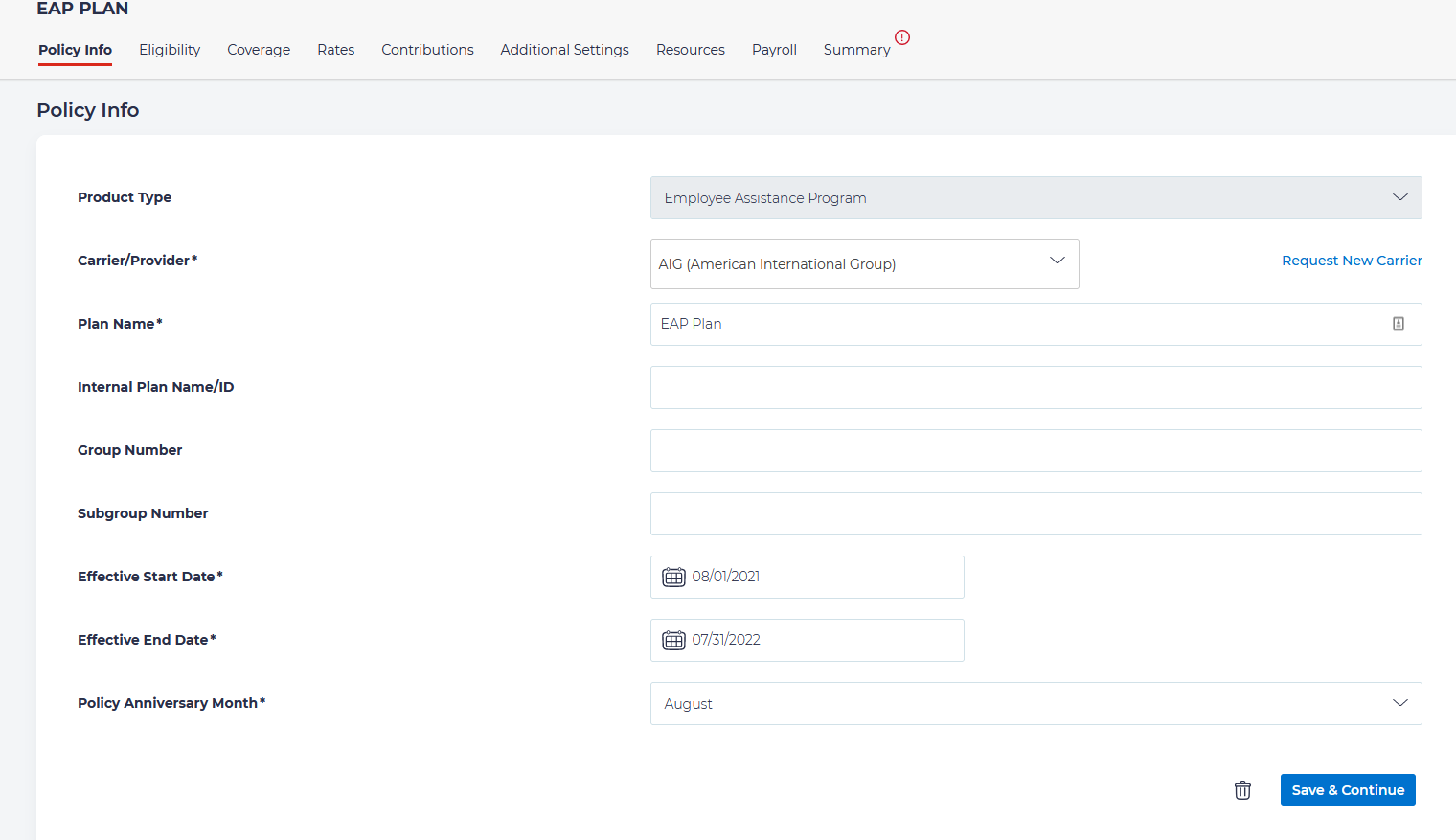
Enter the information for
- Carrier/Provider
- Give the Plan a name
- Enter the Effective Start Date
- Enter the Effective End Date
- Choose the policy anniversary month.
Enter the necessary Policy information on the Policy Info tab:
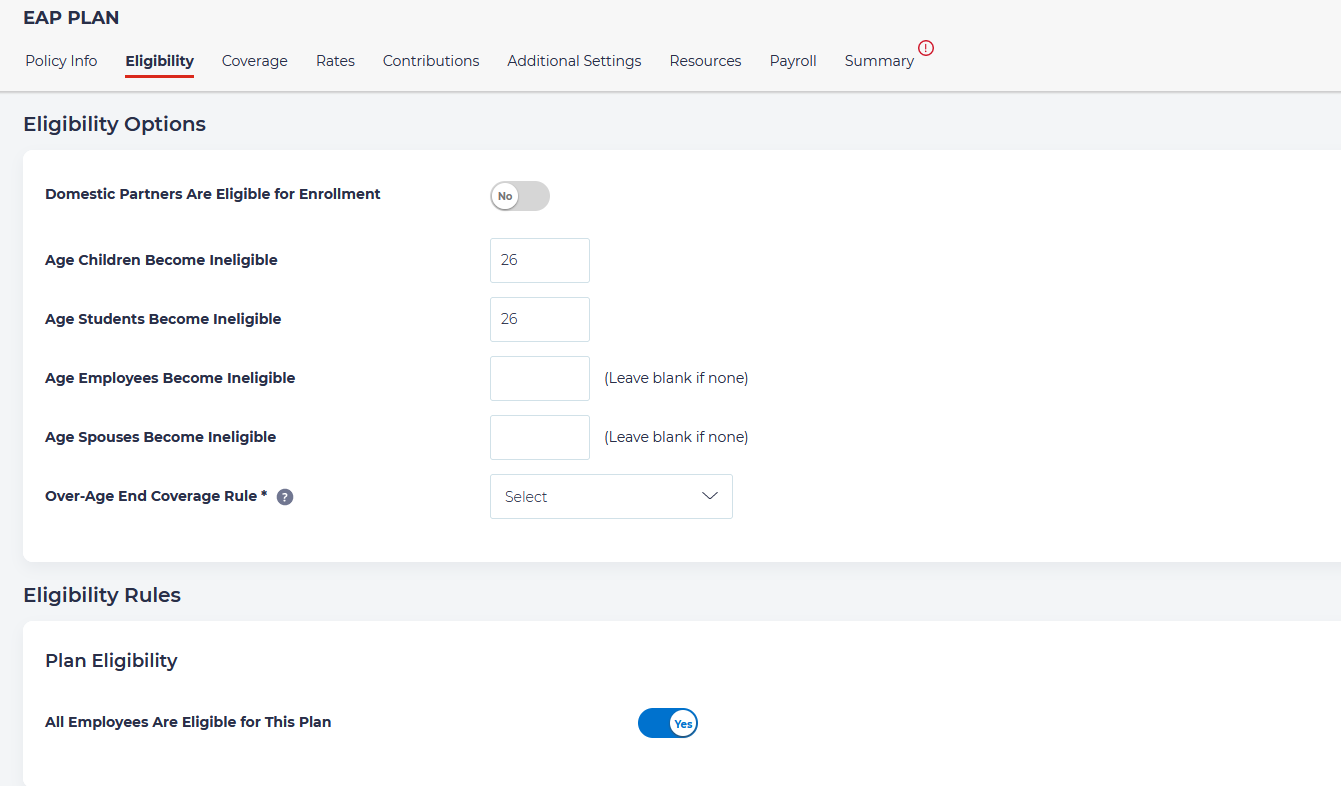
Choose Eligibility options
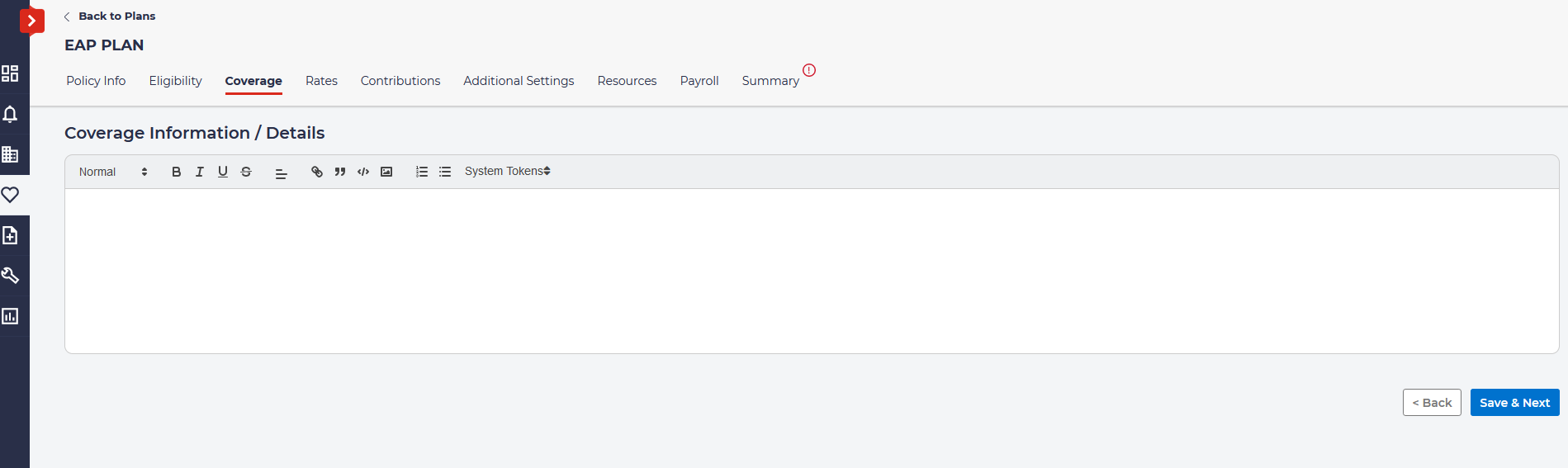
Enter any information about coverage:
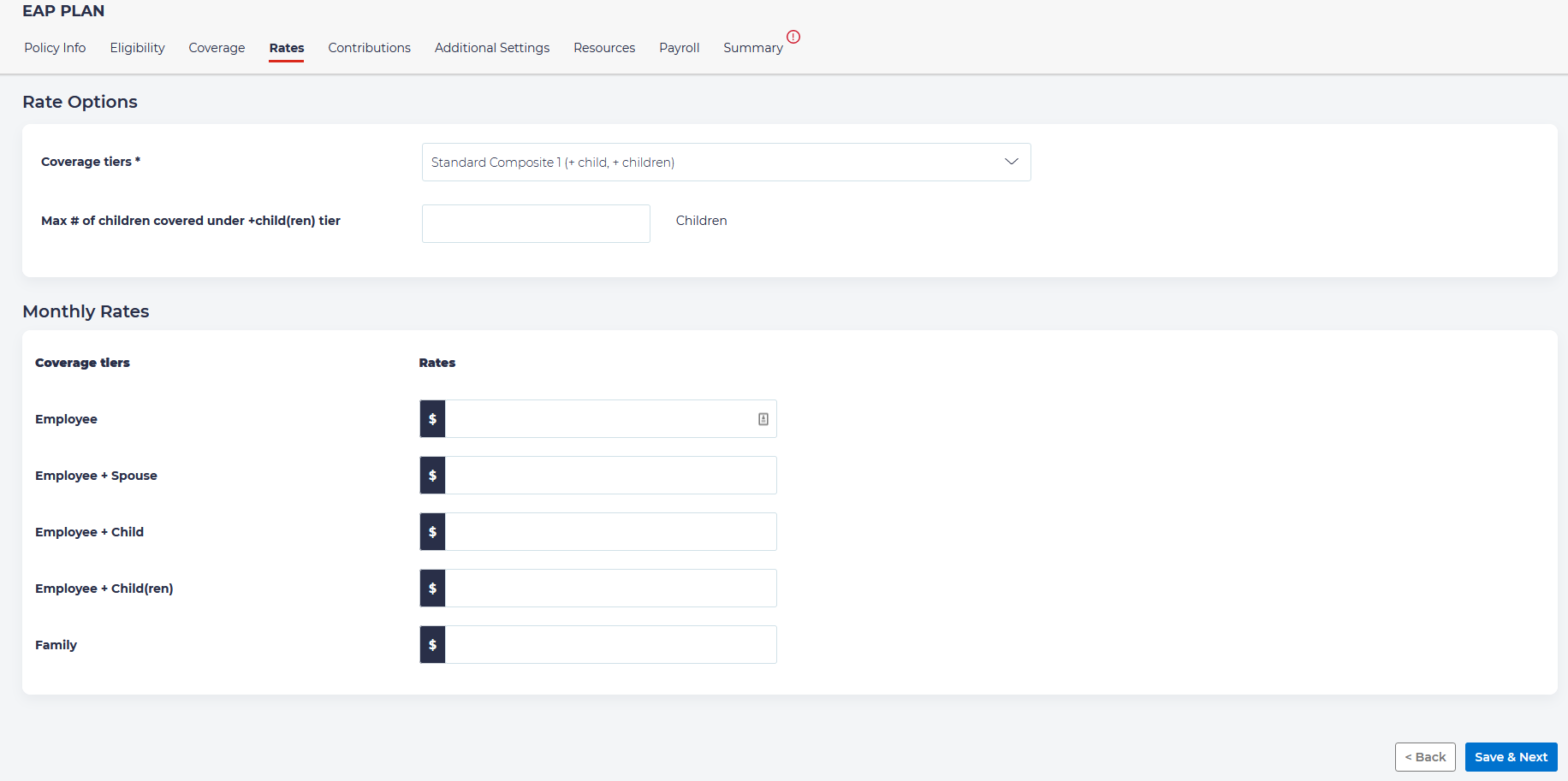
Set the rate options:
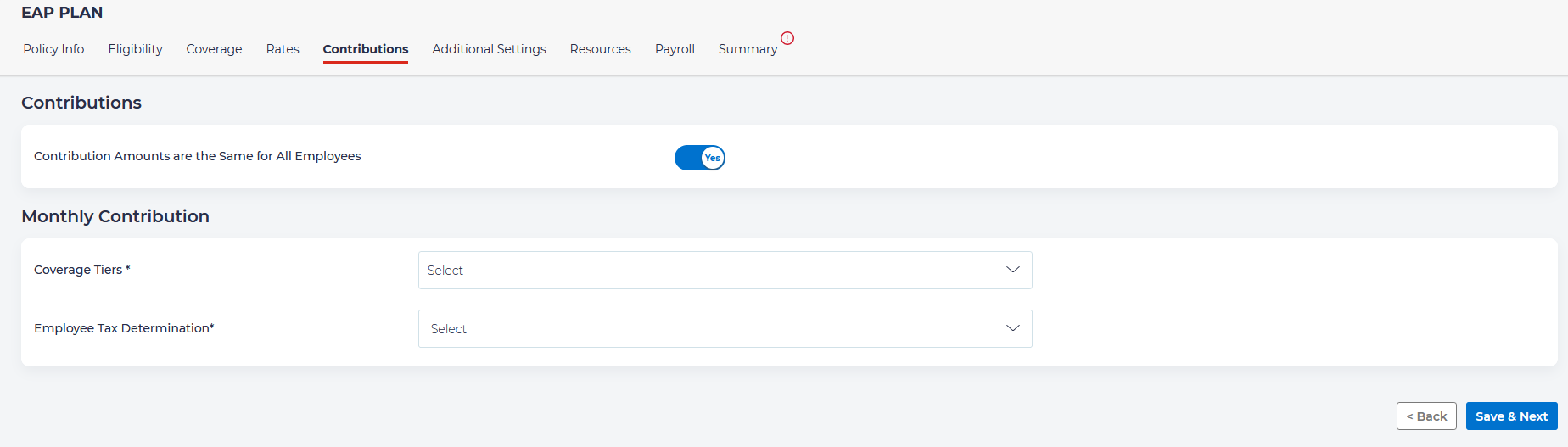
Identify the contributions that are associated with this plan:
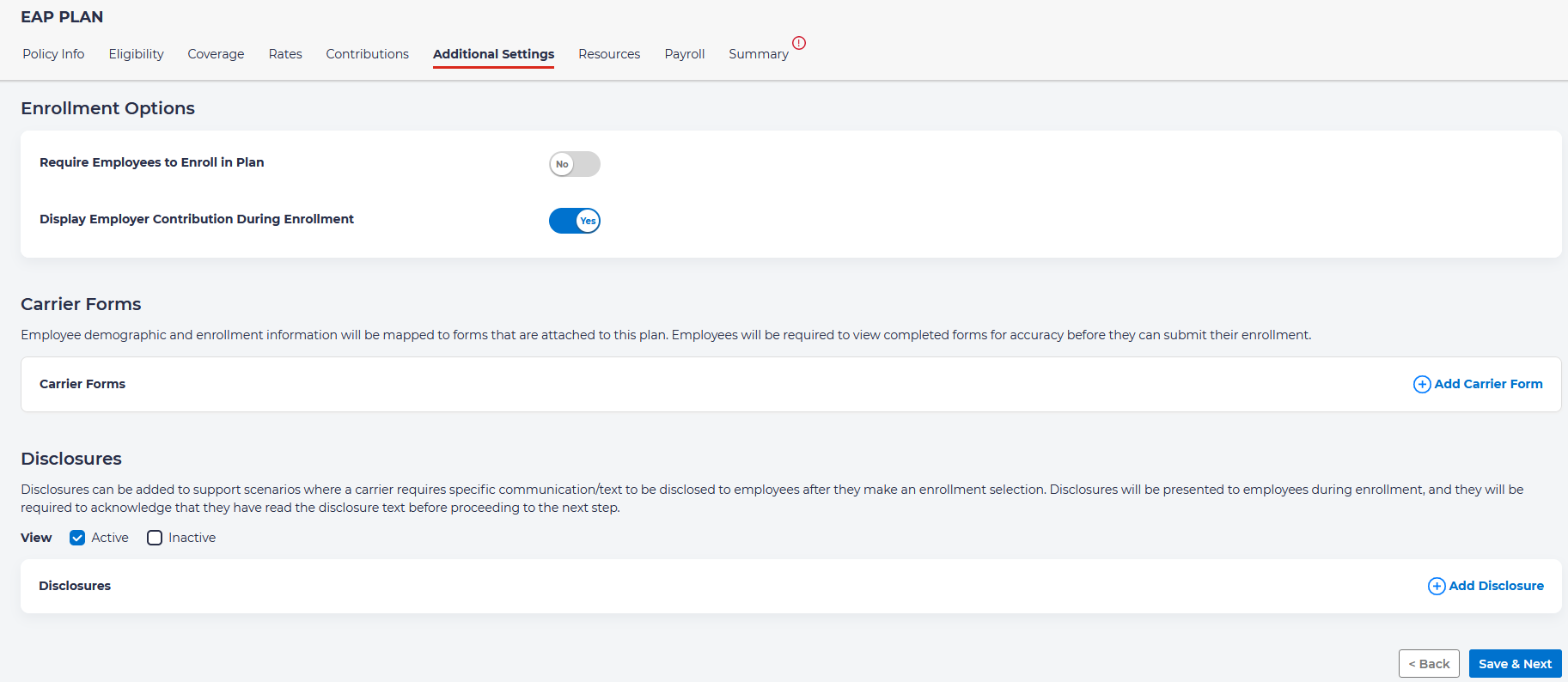
Set up any additional settings, such as whether employees are required to be enrolled and attach any carrier forms and disclosures:
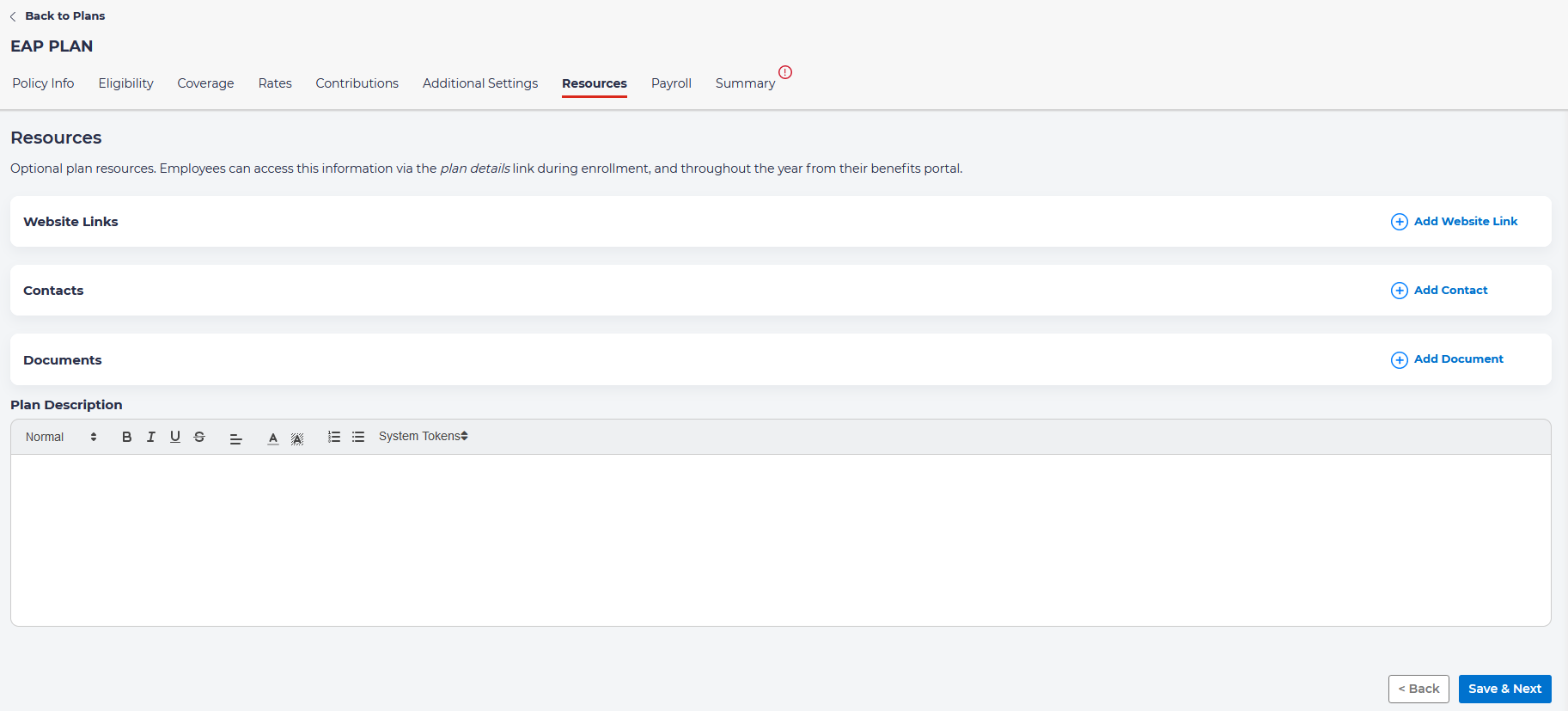
On the next tab, “Resources” you have the ability to attach any resources that may be helpful for individuals enrolling in this plan.
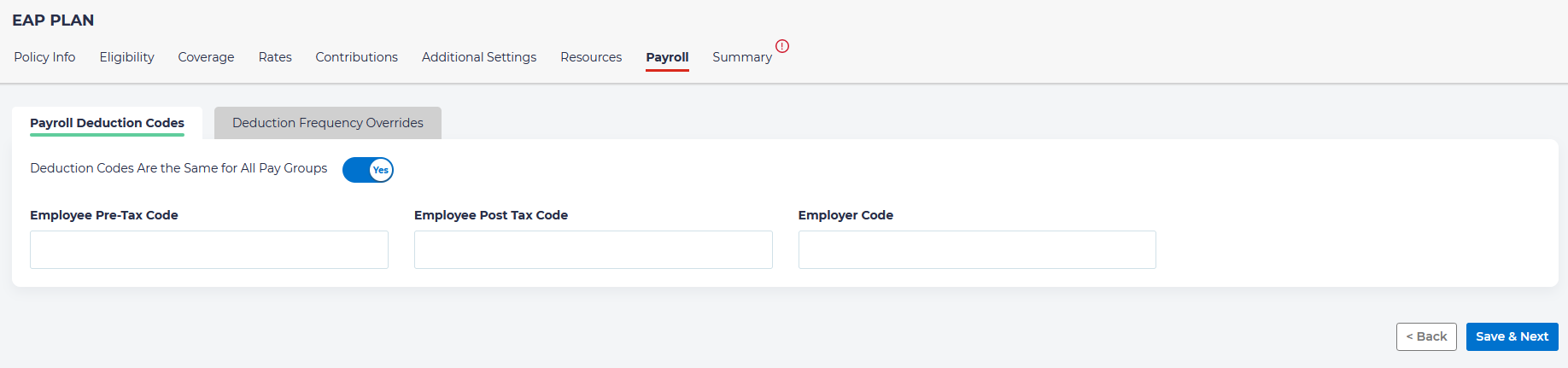
Setup payroll deductions:
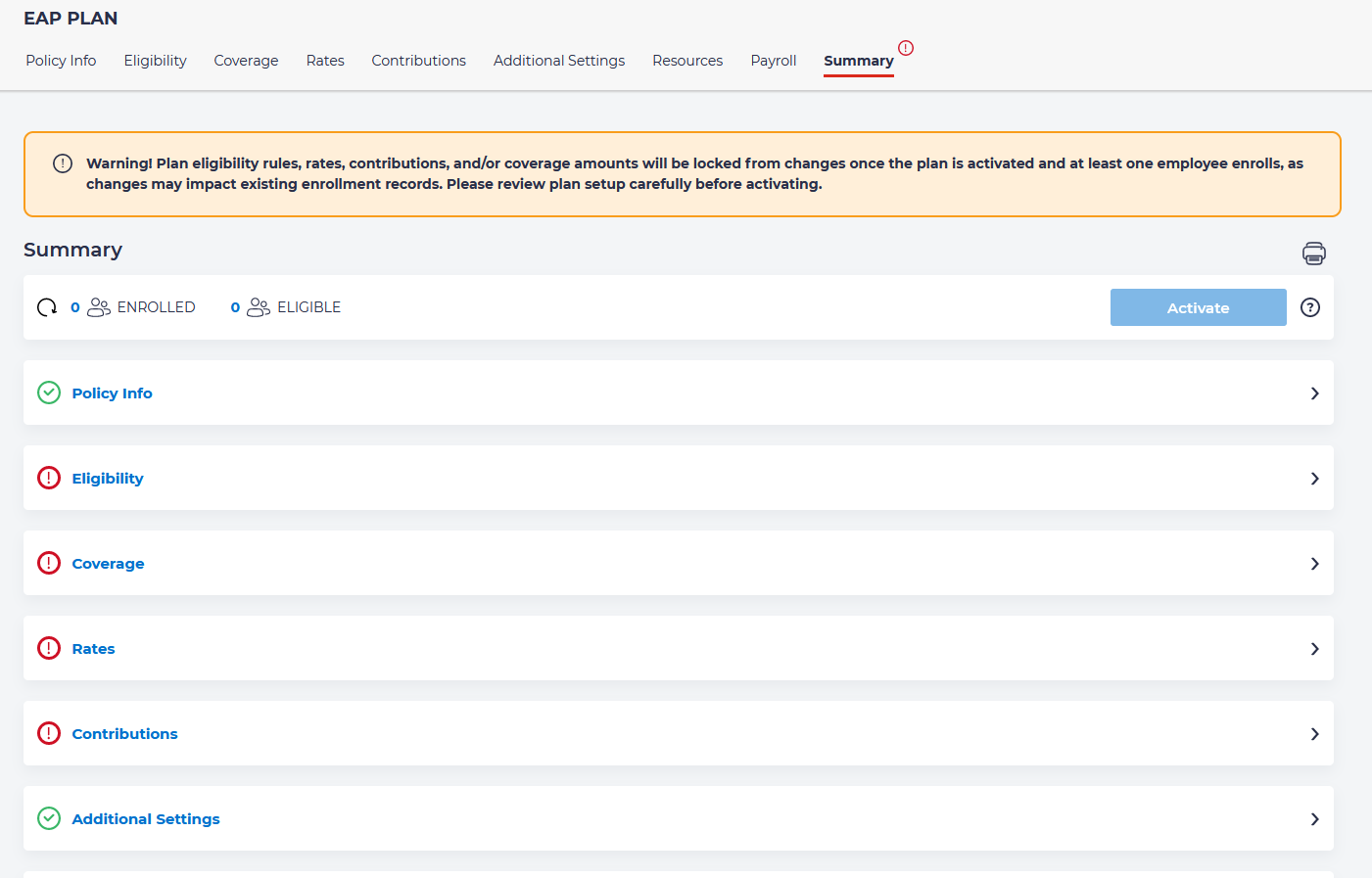
And then you may view a summary of all of the information you have entered. Here you ay activate the plan. Please note that once you have activated the plan, plan eligibility rules, rates, contributions, and/or coverage amounts will be locked from changes after at least one employee enrolls