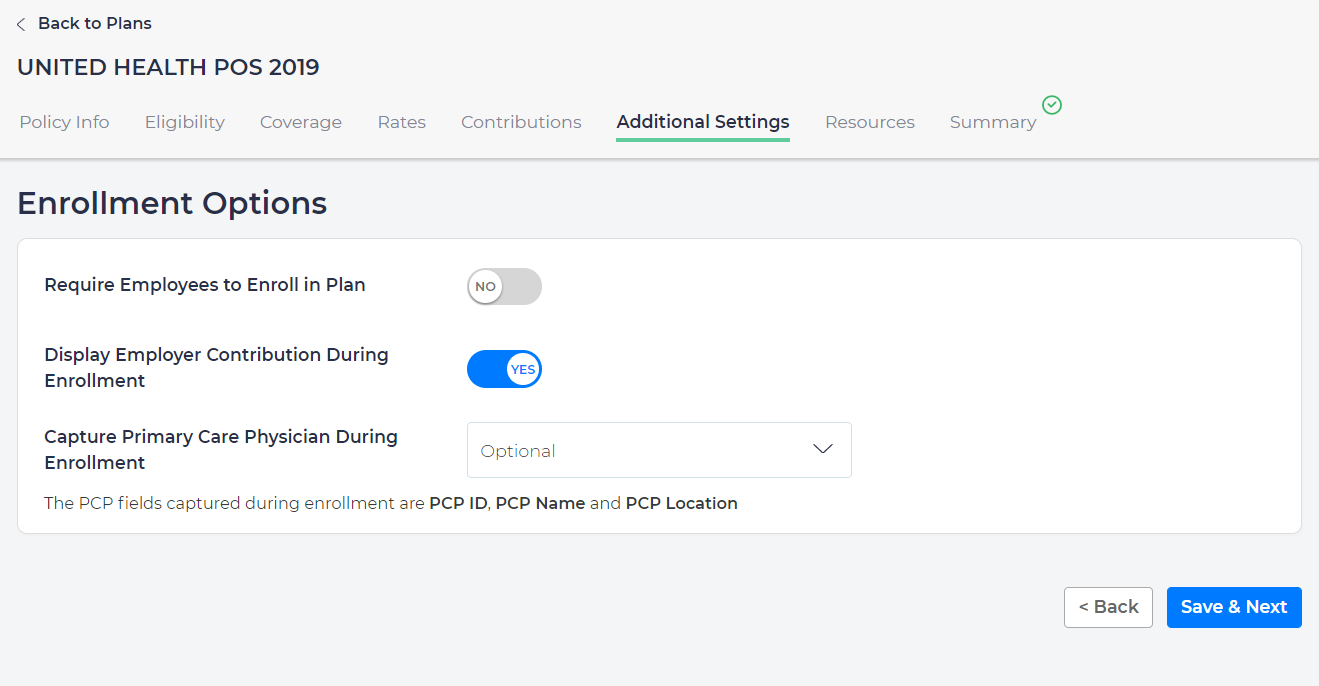
To help employees set up Primary Care Physician (PCP) information when enrolling:
- From Plans, click Click the plan name.
- Select Additional Settings→ Select Capture Primary Care Physician During Enrollment.
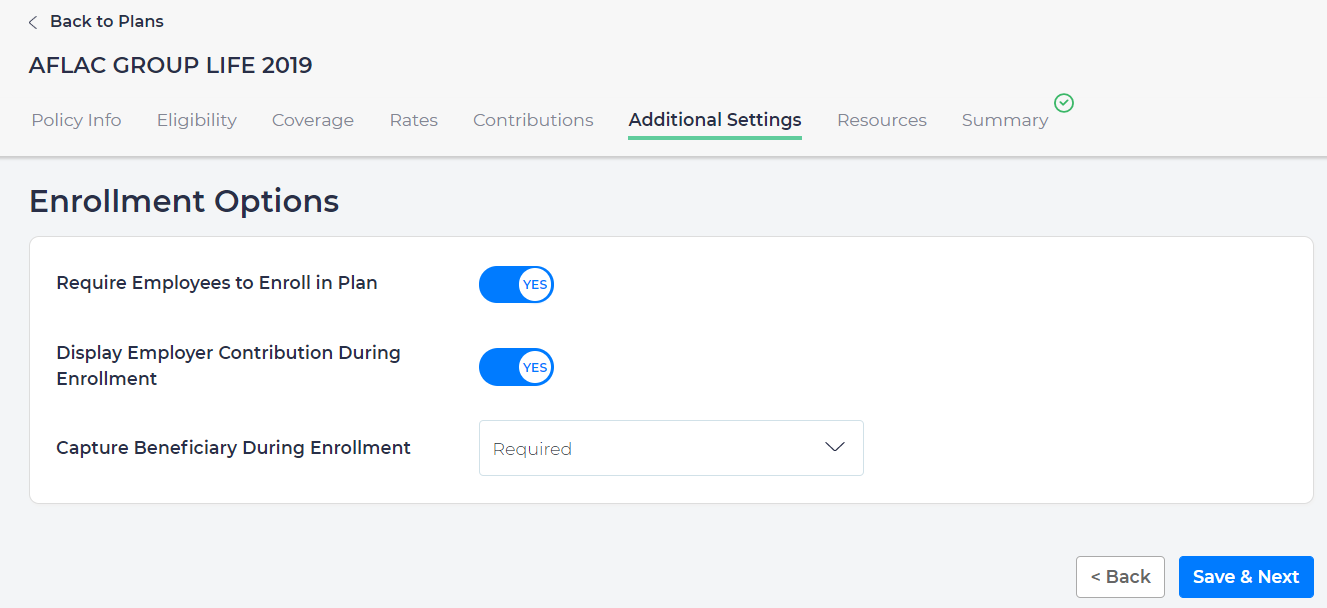
- Selection options are:
- No: Employee will not be prompted.
- Optional: Employee will be prompted, but not mandatory to complete the task.
- Required: Employee must enter PCP information to complete their enrollments.