With E-Verify, we have the ability to verify the I-9 credentials for a new hire, to ensure that they have the legal right to work within the United States.
To begin the E-Verification process, click on E-Verify on the left menu
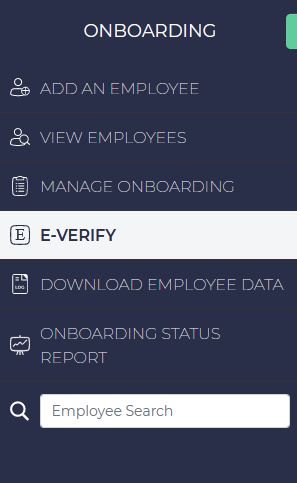
To add a new case, click on the Add a New Case button on the upper right.
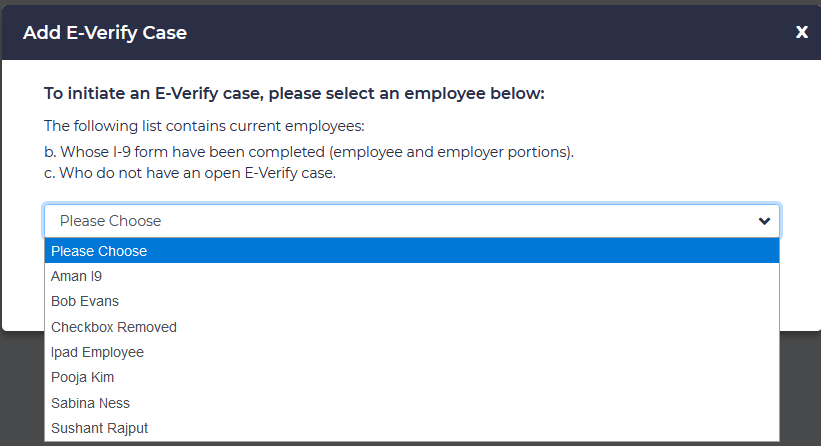
Next, choose the employee to be verified from the drop-down, and click “Submit”
 Click on the link to view the employee’s Form I-9. This will download a copy of the file in PDF format.
Verify that all of the information on the page matches what is recorded on this document. If the applicant has supplied a Type A document (such as a passport, or passport card), ensure that the information on this page matches the I-9 form.

If they have supplied Type B and C Documents, make sure these are properly listed here, matching the I-9 document.
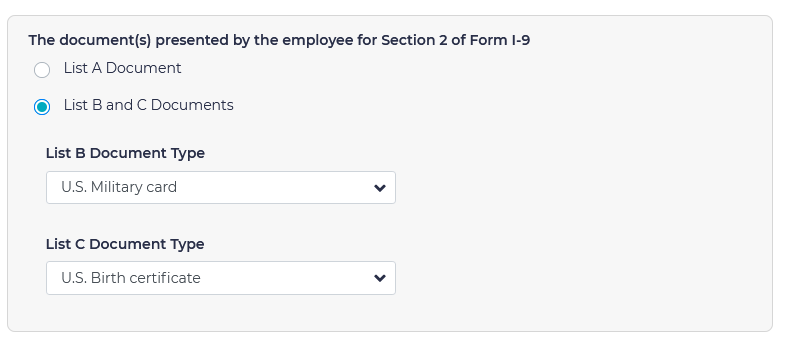
If all of the information is correct, click Continue.
If this process is being completed more than 3 days after the employee’s hire date, you will be prompted with the following screen. Choose the reason why the person’s e-verification process was not completed within the first 3 days of their hire date. and click Continue .

This will open a case to verify whether the new hire is legally able to work.
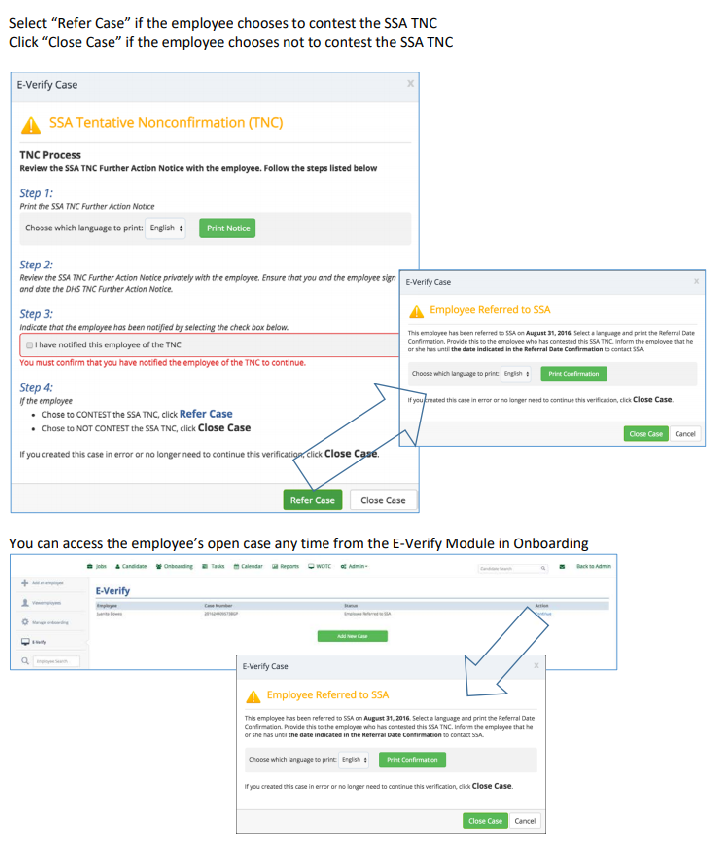
If the E-Verify is completed and everything goes through successfully, the employee is verified by Homeland Security and the Social Security Administration. If everything that the employee has entered is correct, it is approved immediately
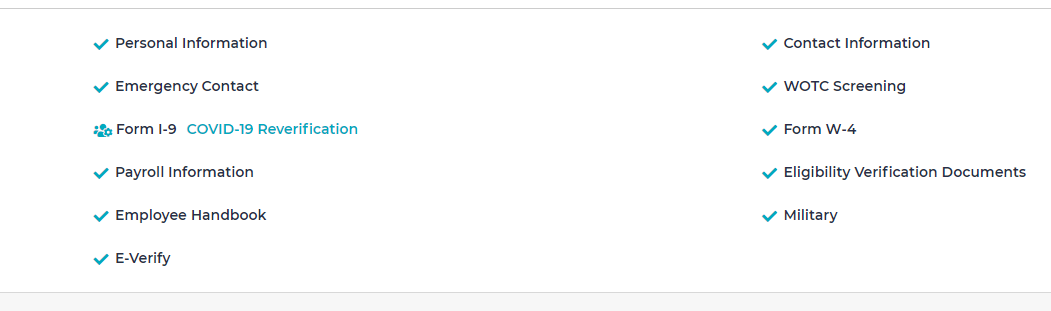
If there is a problem with the verification, you may get an error as shown below. Note, this can happen for many reasons. Please make sure that the information on the I-9 form matches the information on the forms exactly , or it may fail.
Once the process is complete, you may close your E-Verify case: