The Messages section displays messages between you and the Applicants.
The main page displays all messages directly to the applicant.

By clicking on the ">" on the right, you can get a view of the entire conversation between you and the potential hire: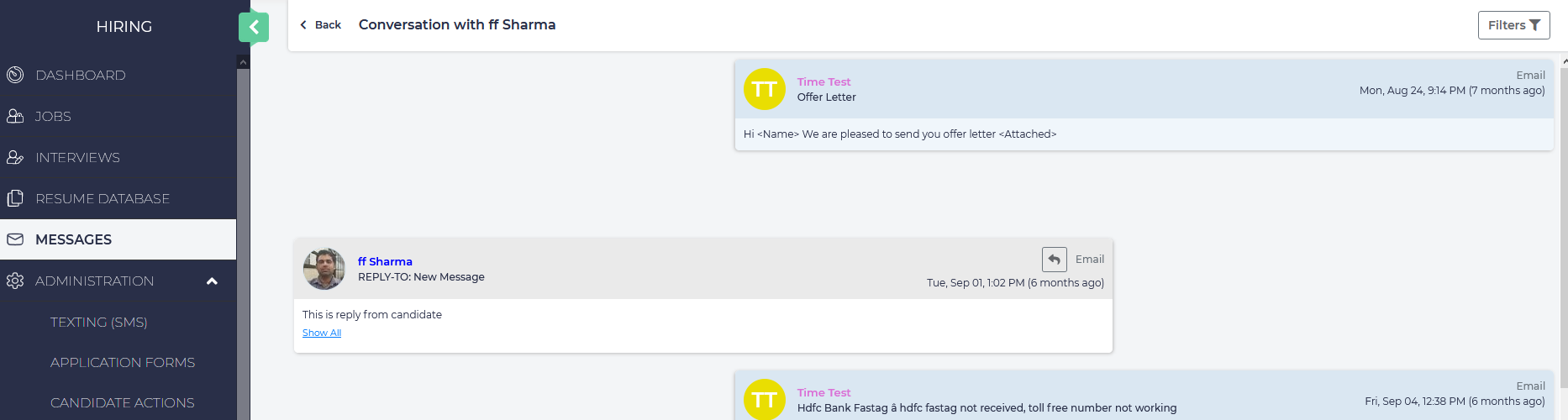
You may communicate back and forth with the applicant by clicking Send Message at the bottom of the page. If texting is enabled, you may also send a direct text, and you may optionally send any attachments you wish: