To conduct an interview, there are a series of actions you can take for keeping track of an applicant throughout the entire process.
Interview Page View
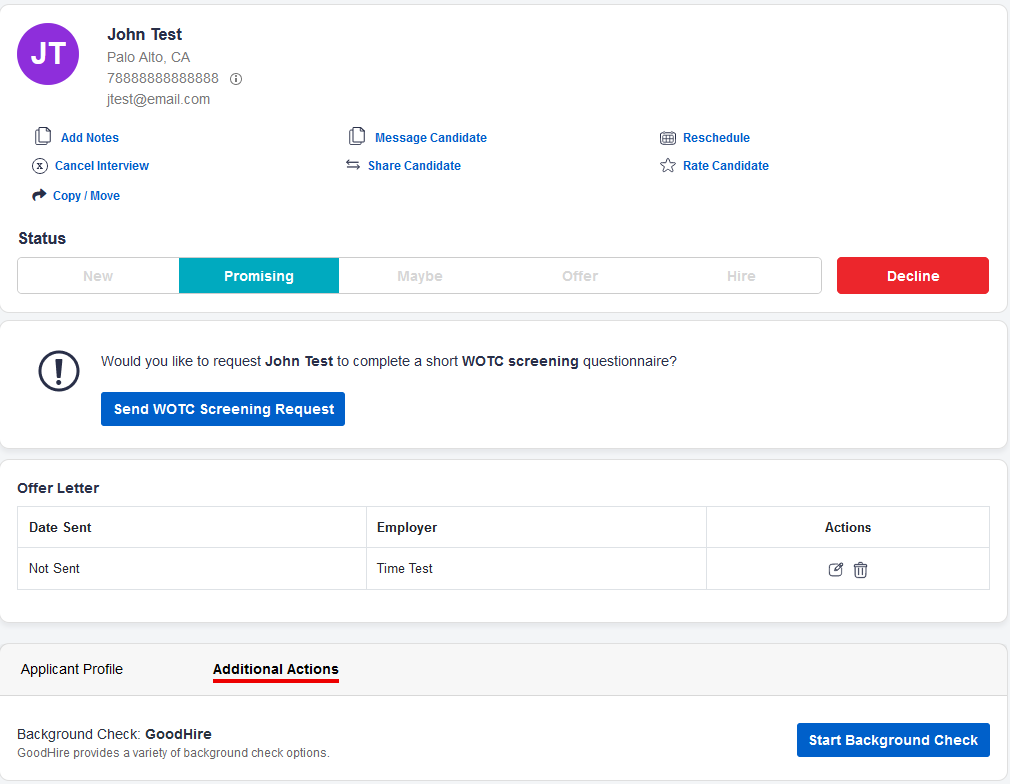
Below is a sample view of an applicant from the Interviews page.
Add Notes
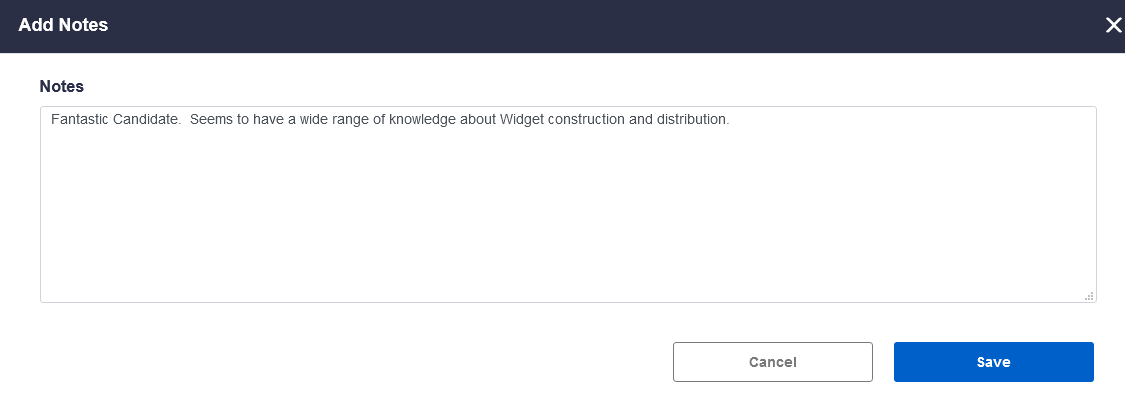
To add notes during the interview process, click on Add Notes. Here you can record any observations or opinions about a candidate, including why they might make a good hire, etc. This will be your record of the interview.
Message Candidate
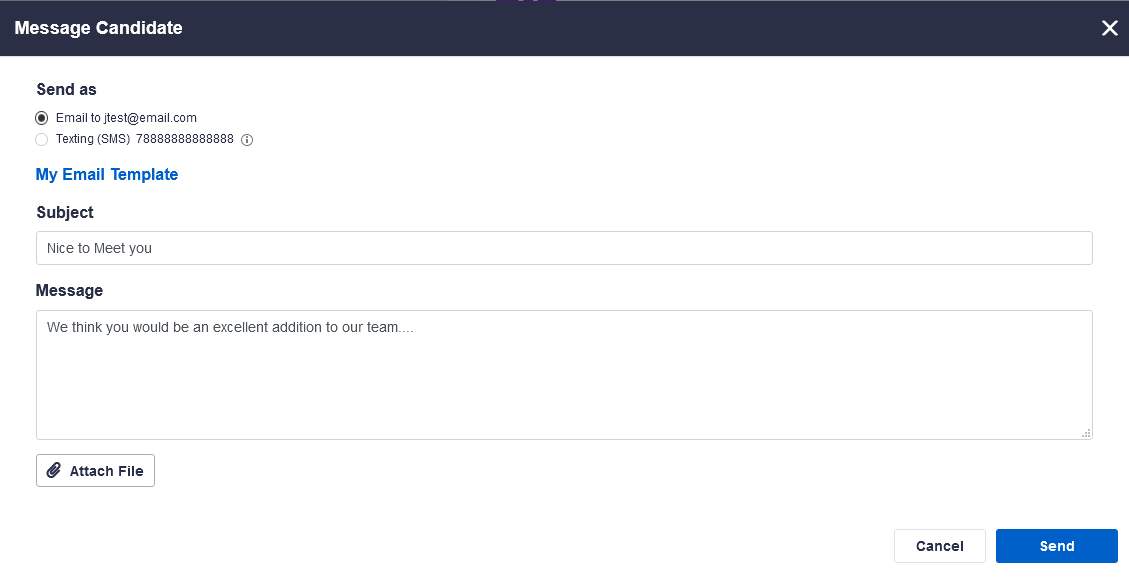
If you wish to message the candidate at any point, either to set up the interview, or to request a second interview, or to offer them a position, click on Message Candidate.
Here you can construct either an email, or if the candidate has given permission to use SMS messaging, you may send them a text. (Note: if they have not given permission, this field will be disabled). You can also attach any files that are necessary.
Video Interviews
If you choose, you may set up a remote video link interview with an applicant.
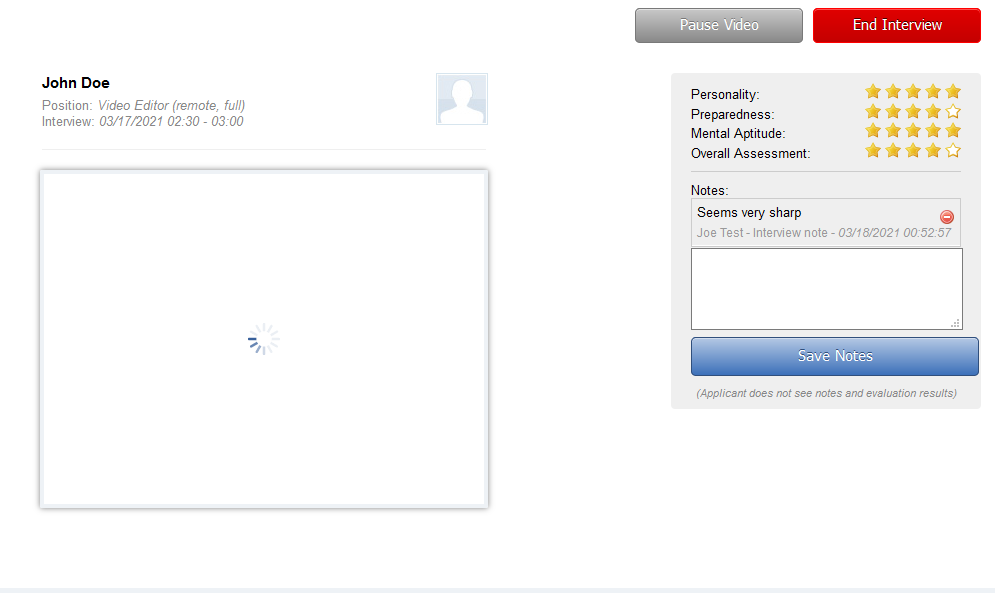
You can simply send an invite to the candidate via email. This will initiate the interview on your side. When the candidate clicks on the invite, they will join your video conference. To begin the interview, click on “Begin Interview.”

During the interview you should be able to see both yourself and the candidate, and you may take notes during the process.
Rate Candidate
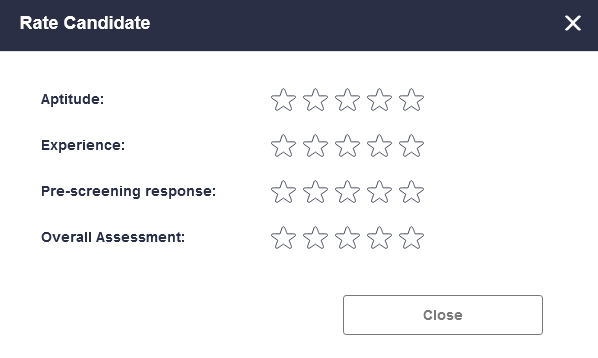
During the interview process, you may wish to give a rating to the candidate to make future selection easier. You can give them a score based on their aptitude, their experience, their pre-screening response, and overall assessment of their fit for the position.
Reschedule Interview
If you need to reschedule the interview at any point, you can click on Reschedule. Here you can determine whether you want to set up an in-person interview, by telephone, or virtually. Set how long the interview should last, and specify the date and time for the interview.

Share Candidate
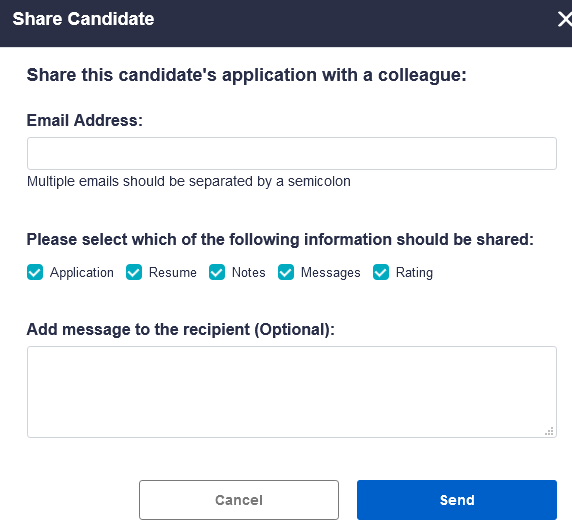
If you wish to share the applicant with someone else in your organization, you may click on Share Candidate. Here you can provide an email address or addresses to a colleague, and you can choose which elements of the application to send, selecting any or all of the application, resume, your notes, any messages between you and the candidate, and any rating you have provided.
Copy/Move Candidate
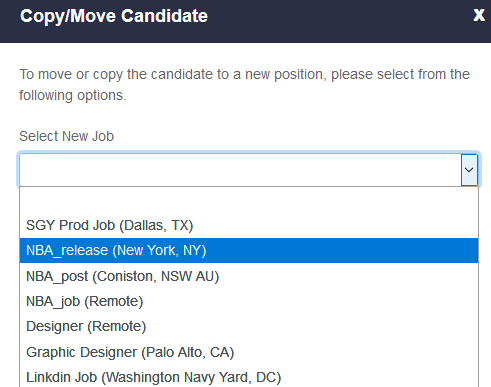
If you believe this candidate may be a better fit for a different position within your organization, you can easily move their information over to another post, by clicking on Copy/Move. Choose the other posted position and click either Copy or Move.
Interview Status
At any point in the interview process, you can track the status of the applicant through the status bar. You can simply click on any element of this bar to proceed.

Offer Letter
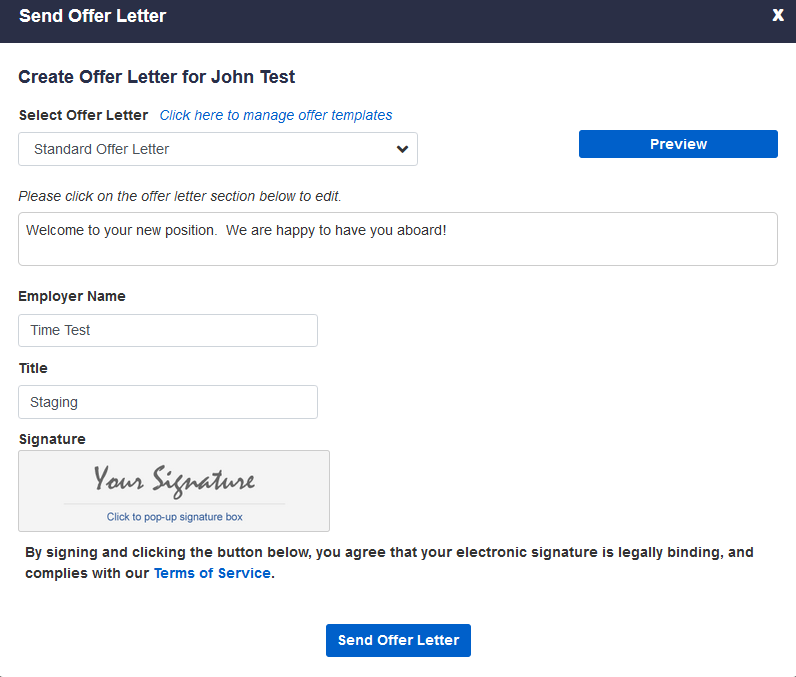
If you choose Offer you will be prompted to choose from a set of letter templates that you have created, or you may choose a standard offer letter. You can then fill out the message you wish to send to the candidate, digitally sign it, and click send offer letter.
Decline Interview
If you choose to Hire the candidate, you can click on Hire and this will send an onboarding package to your new employee.
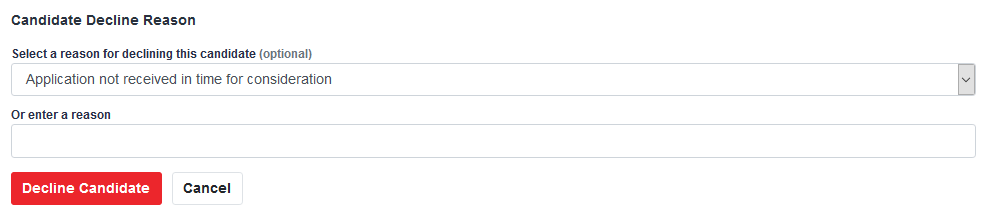
If you select Decline you will be able select from a set of reasons for why the interview request was declined, or you may optionally enter another reason.
WOTC Screening
If you would like to send the applicant a screening questionnaire to determine whether or not this person may earn you a tax credit for hiring them, click on Send WOTC Screening Request.

Additional Actions
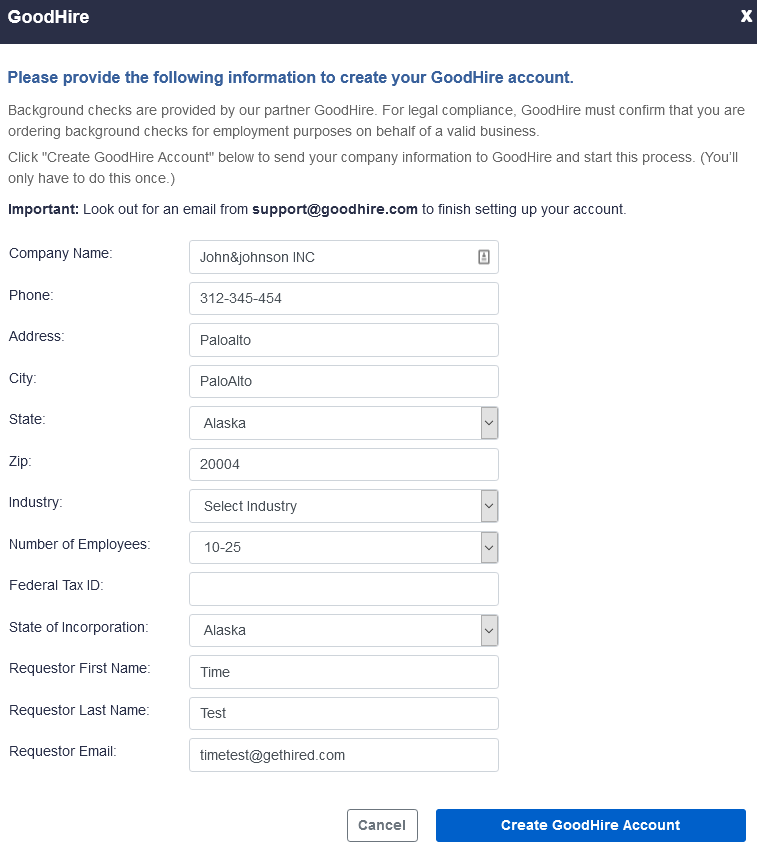
If you choose to do so, you may start a background check on this applicant through GoodHire by clicking on Additional Actions and Start Background Check.

Here you will see a form which is pre-populated with the information your company application. You must confirm this information prior to setting up a GoodHire account.
Completed Interviews
Once an interview has been completed, you may access information about the Job Applicant, the Applicant’s profile, any Additional Actions, Messages, and the Results of the interview (including the rating and any notes taken)
